How to Stop Being Your Team's Reminder Machine: Automate Task Delegation and Follow-Ups
Stop being your team's reminder machine. Automate follow-ups with recurring tasks, WhatsApp reminders and clear ownership using Automate Teams.
Automate Business Team ·
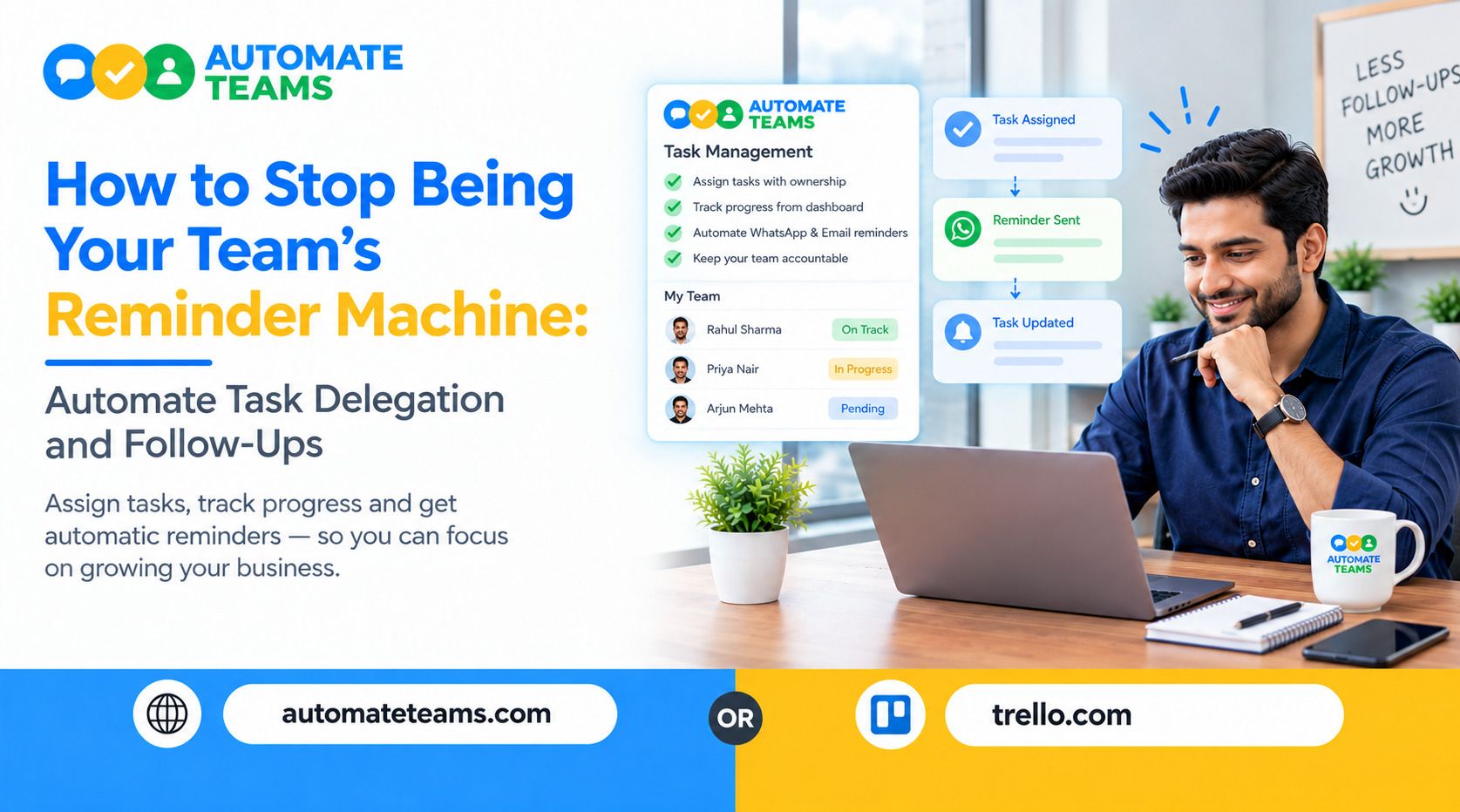
You stop being your team's reminder machine by moving every follow-up out of your head and into a system that assigns, tracks and reminds automatically. The Automate Teams App does this by turning conversations into tasks with owners, deadlines and automatic WhatsApp or email reminders. Your team gets clarity, and you stop chasing.
This guide explains why owners become reminder machines and what it costs them. It then walks through a simple system for automating follow-ups, including recurring tasks, reminders, approvals and progress reviews. You will also see how the Teams App fits into daily work for small and growing businesses.
Why Owners Become Reminder Machines
Most owners do not choose this role. It happens slowly, one message at a time. A task is mentioned in a chat, nobody writes it down, and a few days later you are asking, "Did this get done?"
The problem is not your team's effort. The problem is that work lives in scattered places, such as WhatsApp groups, notebooks, calls and memory. When ownership is unclear, the person who cares most ends up doing the chasing.
That person is usually you. Every reminder you send is a sign that the system, not the people, is failing.
The Hidden Cost of Manual Follow-Ups
Chasing updates feels small, but it adds up fast. Ten reminders a day can quietly eat hours of your week.
It also changes how your team behaves. When people know you will remind them, they stop tracking their own deadlines. Responsibility slowly moves from them to you.
Manual follow-ups also break under pressure. On a busy day, the one reminder you forget is often the one that mattered, like an invoice copy before a truck leaves.
- Step 1: Turn Conversations Into Tasks
Most work begins as a message. Someone writes, "The Pune order truck leaves at 4 PM. We need the invoice copy before that." If that message stays a message, it can be missed.
With the Automate Teams App, you can turn that message into a task right inside the conversation. The task is assigned to a person, such as Neha, with a due time like 3:30 PM. The discussion, the owner and the next step stay together.
Teams use channels, direct messages and threads to share what needs doing. Team chat starts on the Growth plan. This keeps context attached to the task, so nobody asks, "What was this about?" - Step 2: Give Every Task a Clear Owner
A task without an owner is just a wish. Every task needs one person responsible, a deadline and a priority.
In Automate Teams App, you can add deadlines, priorities, checklists and sub-tasks to each task. Separate views for assigned work, approvals, delegated work and recurring work keep everything organized. You can see at a glance who is responsible for what.
This single change removes most of the guessing. When your team can see their own tasks, they stop waiting for you to tell them what is next. - Step 3: Automate Recurring Tasks
Much of your reminder load comes from work that repeats. Daily stock counts, invoice collection, vendor approvals and weekly follow-ups all fit this pattern.
Set these up as recurring tasks once, and they appear on schedule without you typing a single message. Automate Teams App supports repeat tasks and reminders for daily checks, approvals and follow-ups.
For example, a daily stock count for Godown 2 can appear every day at 6 PM for the same person. You create it once. The system does the remembering from then on. - Step 4: Send Reminders Where Your Team Already Looks
A reminder only works if it is seen. In India, WhatsApp is where most teams spend their day, so a reminder there gets noticed faster than one buried in email.
Automate Teams App sends automatic WhatsApp or email reminders for tasks. A reminder can go to a team member at 10 AM about a delayed dispatch, with no effort from you. The reminder is logged, so you know it was sent.
This is how you automate follow-ups without sounding like a nag. The system sends the nudge, and your relationship with your team stays positive. - Step 5: Use AI to Draft Tasks Faster
Writing tasks takes time, and busy owners often skip it. That is how work slips back into memory.
The Teams App lets you describe a task with a typed prompt or a voice note. The AI drafts the task, the deadline and the priority for you. You review it and assign it in seconds.
This is especially useful when you are on the move or on the shop floor. A quick voice note becomes a trackable task instead of a thought you hope to remember later. - Step 6: Review Progress Without Chasing Updates
The goal is not to remove oversight. The goal is to get oversight without asking people for updates all day.
Automate Teams App gives you a live view of tasks that are overdue, due today and completed this week. Task activity summaries and reports help you spot delays and plan the next step. Your morning brief shows how many tasks are due, who is present and which requests are pending.
When something is late, you see it before it becomes a problem. You step in only where it is needed, instead of checking on everyone. - Step 7: Handle Approvals Without Back-and-Forth
Approvals are a major source of follow-ups. A vendor payment, a leave request or a missed punch can sit unanswered until someone nudges you, or you nudge them.
In Automate Teams App, approvals appear as tasks in their own view. Leave requests and attendance regularization requests show up for you to approve or reject in one place. Nothing gets lost in a chat thread.
This also removes a hidden form of reminding, where your team waits for your reply and then reminds you. When approvals are visible, both sides stay on track.
Who Benefits From the Teams App
Owners and operations leaders get a clear view across departments and branches. They can review pending work and coordinate teams without calling each person.
HR and finance teams keep attendance, leave approvals, salary runs and pay slips connected. Employees and field staff can check tasks, mark attendance, apply for leave and complete training on mobile. The app works on web, Android and iOS.
Roles and permissions control who can see and manage each part of the workspace. Every plan includes unlimited workspace members, so you do not pay per user as your team grows.
Common Mistakes to Avoid
- The first mistake is adding a tool but keeping the old habits. If you still send tasks by phone call, the system will stay empty.
- The second mistake is making tasks too vague. "Follow up on dispatch" is weaker than "Confirm Pune dispatch by 3:30 PM." Clear tasks lead to clear results.
- The third mistake is skipping the team. Show your staff how to view tasks and mark them done. Adoption is what turns a tool into a system.
Frequently Asked Questions
- How do I stop being my team's reminder machine?
Move every task into a shared system with clear owners, deadlines and automatic reminders. The Automate Teams App does this with recurring tasks and WhatsApp or email reminders. - Can I automate follow-ups on WhatsApp?
Yes. Automate Teams sends automatic WhatsApp or email reminders for tasks, so you do not have to message people yourself. - Can I create tasks from a chat message?
Yes. You can turn a conversation into a task with an owner and a deadline. Team chat is available from the Growth plan. - Does Automate Teams charge per user?
No. Every plan includes unlimited workspace members. Plans differ by active projects, shared storage and how much of the HR, payroll and learning suite is included. - Is there a free trial?
Yes. You can start a 7-day free trial or book a demo to see how it fits your workflow.
Final Thoughts
Being the reminder machine is a system problem, not a people problem. When tasks have owners, recurring work runs on schedule and reminders go out automatically, you get your time back. The Automate Teams App connects tasks, conversations and people operations in one workspace. Start your 7-day free trial or book a demo to give your team clarity and take chasing off your plate.