How Coaching Institutes Can Coordinate Faculty Schedules, Administrative Tasks and Staff Attendance
Staff management software for coaching institutes to manage faculty schedules, admin tasks and staff attendance in one workspace with Automate Teams.
Automate Business Team ·
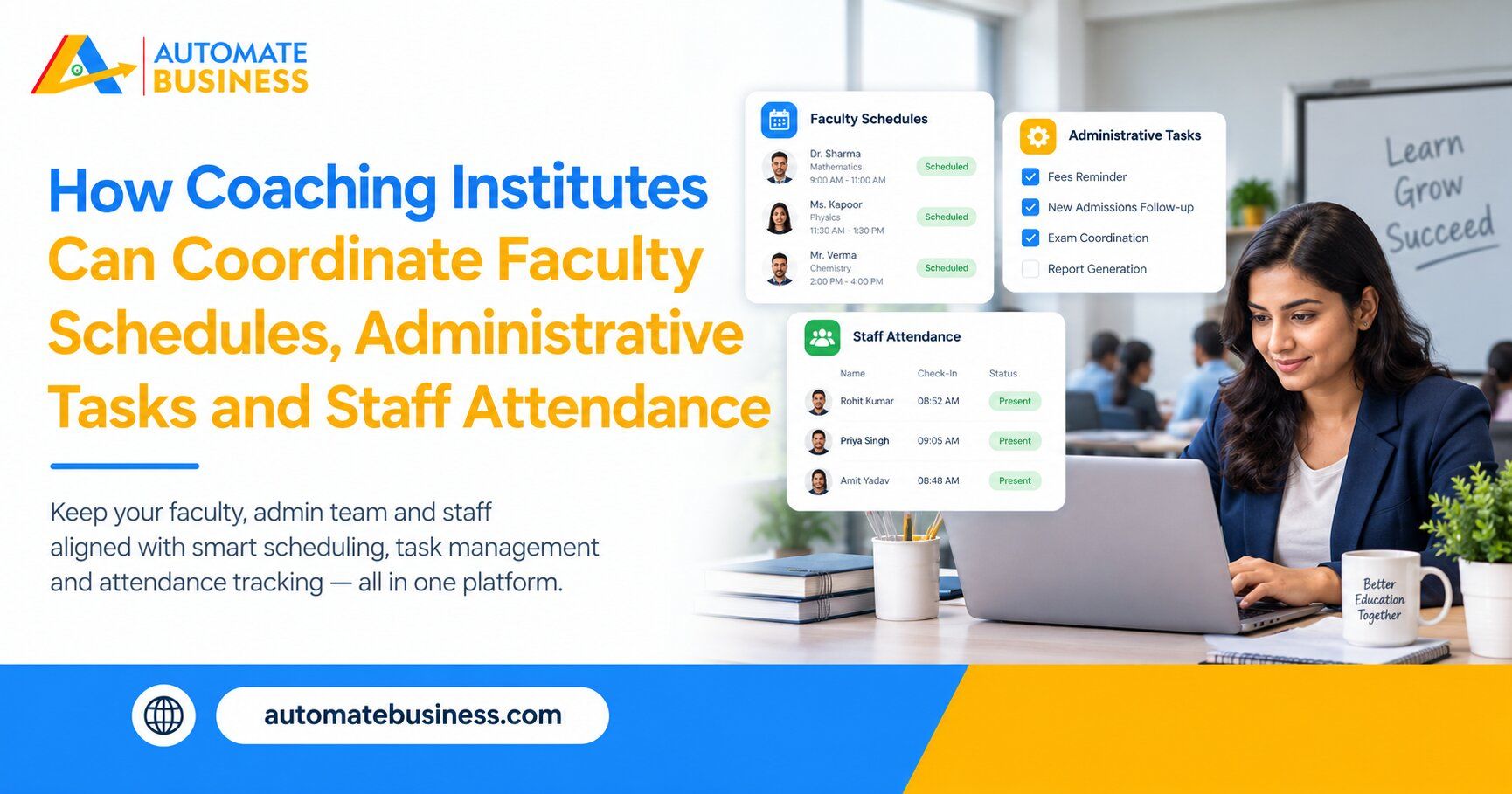
Coaching institutes can coordinate faculty schedules, administrative tasks and staff attendance by using staff management software for coaching institutes, such as the Automate Teams App. It brings team chat, task tracking, rosters, leave approvals, attendance and India payroll into one workspace. Directors and branch heads see who is teaching, who is absent and which admin work is pending, without chasing anyone.
This guide is written for coaching institute owners, academic heads and administrators. It explains where coordination breaks down and how one connected workspace fixes it. You will also find tips for choosing a plan and answers to common questions.
The Coordination Problem Inside Coaching Institutes
A coaching institute looks calm from the outside, but the back office is busy. Faculty need batches, rooms and timings. Administrators handle admissions follow-ups, fee records, study material and exam logistics.
Most of this runs on WhatsApp groups, paper registers and spreadsheets. A faculty member sends a leave message at midnight, and the batch coordinator sees it at 9 AM. By then, students are already waiting.
The director becomes the human switchboard. You ask who has taken the test papers to print, who is covering the absent teacher and who has not submitted attendance. These checks are exhausting and repetitive.
What Good Staff Management Software Should Offer
The right staff management software for coaching institutes should cover both people and work. It needs attendance, leave, rosters and payroll for the staff, plus tasks and conversations for the admin team. It should also work well on mobile, since faculty are rarely at a desk.
Look for tools that reduce follow-ups instead of adding screens. Reminders should reach people on WhatsApp or email, where they already look. Managers should see progress without asking for it.
Cost matters in a growing institute. A tool that charges per user becomes expensive as you add faculty, counsellors and support staff. Automate Teams includes unlimited workspace members on every plan.
Faculty Schedule Management With Rosters and Shifts
Faculty timings are the heart of an institute. Morning batches, evening batches, weekend classes and doubt-clearing sessions all need the right person at the right time. When this lives in a notebook or a chat group, clashes are common.
Automate Teams lets you manage shifts, rosters and holidays in the same workspace as attendance. You can set up who works when, across branches if you have more than one. This gives branch heads a clear picture of staff coverage for each day.
When a faculty member is on leave, the roster and leave record sit side by side. You can arrange cover before the class begins. Your class timetable itself may still live in your academic system, but staff coverage becomes visible and easy to manage.
Faculty Attendance Software That Replaces Registers
Paper registers are slow, and they are easy to get wrong. Automate Teams replaces them with digital attendance on mobile. Staff clock in with face recognition, and a geo-fence confirms they are at the right campus.
The dashboard shows how many people are present, late, on leave or absent today. Multi-branch institutes can view every campus in one place. If a teacher forgets to punch out, they raise a regularization request for the manager to review.
This also protects your records. When attendance is verified by location, it is harder to dispute at salary time. Clean data also feeds payroll later, so month-end becomes much easier.
Teacher Leave Management Without Last-Minute Surprises
Leave is a sensitive issue in coaching. A single absence can disturb a batch, and unplanned leave hurts the most. Yet requests often arrive as late-night messages that managers miss.
In Automate Teams, employees apply for leave from their phone. The manager sees each request and approves or rejects it with one tap. Approved leave updates the attendance record automatically.
The staff member also gets a clear answer, which reduces repeated questions. Planning improves too, because you can see leave requests ahead of time. That gives you more room to arrange substitute faculty.
Coaching Institute Task Management for the Admin Team
Administrative work is where many institutes lose time. There are admission follow-ups, fee reminders, test paper printing, study material dispatch, result preparation and parent communication. Each of these has several steps and several people.
With the Automate Teams App, a conversation becomes a task. A coordinator posts that test papers must be printed by Friday, and the manager turns that message into a task. The task gets an owner, a deadline, a priority and a checklist.
You can also describe a task in a prompt or voice note, and the Teams App Software drafts the task, deadline and priority. This helps busy academic heads who would rather speak than type. Everyone sees who owns what and when it is due.
Recurring Tasks and Reminders for Academic Routines
Coaching institutes run on cycles. There are weekly tests, monthly parent meetings, daily attendance checks and regular fee collection drives. These repeat for every batch and every session.
Set each routine once as a recurring task, and the reminders follow automatically. Automate Teams sends reminders on WhatsApp or email, so staff are nudged on the channel they already use. This removes the need for the director to remind people again and again.
Overdue items, tasks due today and completed work appear in clear views. Task activity summaries and reports help you spot delays early. You review progress in minutes instead of holding long follow-up calls.
Coaching Institute Payroll Software for India
Payroll in coaching institutes can be tricky, because staff have different roles and schedules. Teaching staff, counsellors, office assistants and support staff may all have different pay structures. Rebuilding attendance by hand each month makes this harder.
Automate Teams connects attendance to payroll. Attendance, shifts, holidays and approved leave feed directly into the salary run. EPF, ESI and TDS are calculated automatically, and pay slips come from the same workspace.
Before locking the month, the system shows whether attendance has any mismatches. A clean sync means fewer corrections and fewer questions from staff. Salary reaches your team on time, which builds trust.
Training New Faculty and Staff With the Built-In LMS
Coaching institutes hire new faculty and staff before every new session. Onboarding them often takes academic heads away from teaching support. Automate Teams includes a built-in learning module that helps here.
You can assign induction courses on teaching standards, institute policy, student handling or software use. Managers see how many staff have finished each course. New joiners can complete training on mobile.
This keeps onboarding consistent across branches. It also reduces the repeated briefings that senior staff give each year. Training progress sits next to tasks and attendance on one employee record.
How Each Role Benefits From One Workspace
Different people use the same platform in different ways. Directors and branch heads review pending work, coordinate across departments and watch attendance across campuses. Academic coordinators track faculty coverage and leave.
HR and accounts teams keep attendance, leave approvals, salary runs and pay slips connected. Faculty and support staff check tasks, mark attendance, apply for leave and complete training on mobile. The Automate Teams App runs on web, Android and iOS.
Roles and permissions control who can see and manage what. Salary details stay with HR and finance, while coordinators see only their teams. This protects sensitive information without slowing anyone down.
Choosing a Plan and Getting Started
Start small, then expand. Begin with tasks and team chat, then add rosters, leave, attendance and payroll once your team is comfortable. Team chat starts on the Growth plan, while leave, attendance and India payroll are part of the Scale and Enterprise plans.
What changes between plans is the number of active projects, shared storage and how much of the HR, payroll and learning suite is included. You can start a 7-day free trial or book a demo to see it with your own institute’s workflow. The Automate Teams pricing page helps you match a plan to your staff size.
Frequently Asked Questions
- What is the best staff management software for coaching institutes?
The best option combines task tracking, team chat, rosters, leave, attendance and payroll. Automate Teams offers all of these in one workspace, with unlimited members on every plan. - Can I track faculty attendance on mobile?
Yes. Automate Teams works on web, Android and iOS, and staff can clock in with face recognition inside a geo-fence. - Can I manage multiple branches?
Yes. The attendance dashboard shows staff across branches in one view, and managers can coordinate work across locations. - Can attendance data be used for payroll?
Yes. Attendance, shifts, holidays and approved leave feed into payroll, and EPF, ESI and TDS are calculated automatically. - Do I pay per user?
No. Every plan includes unlimited workspace members. Plans differ in active projects, storage and the HR, payroll and learning features included. - Is the Teams inbox the same as Automate Chats?
No. The Teams inbox is for conversations inside your institute. Automate Chats is the shared WhatsApp Business API inbox for student and parent conversations.
Final Thoughts
Coaching institutes work best when faculty, administrators and managers stay in step. The Automate Teams App brings schedules, tasks, attendance, leave and payroll into one workspace. You enter data once and use it everywhere. Ready to simplify your institute’s operations? Start the 7-day free trial or book a demo of Automate Teams.