Best Task Management Software for Indian MSMEs: Features, Pricing and Comparisons
Compare the best task management software for Indian MSMEs, including Automate Teams, with features, pricing, tasks, attendance and payroll.
Automate Business Team ·
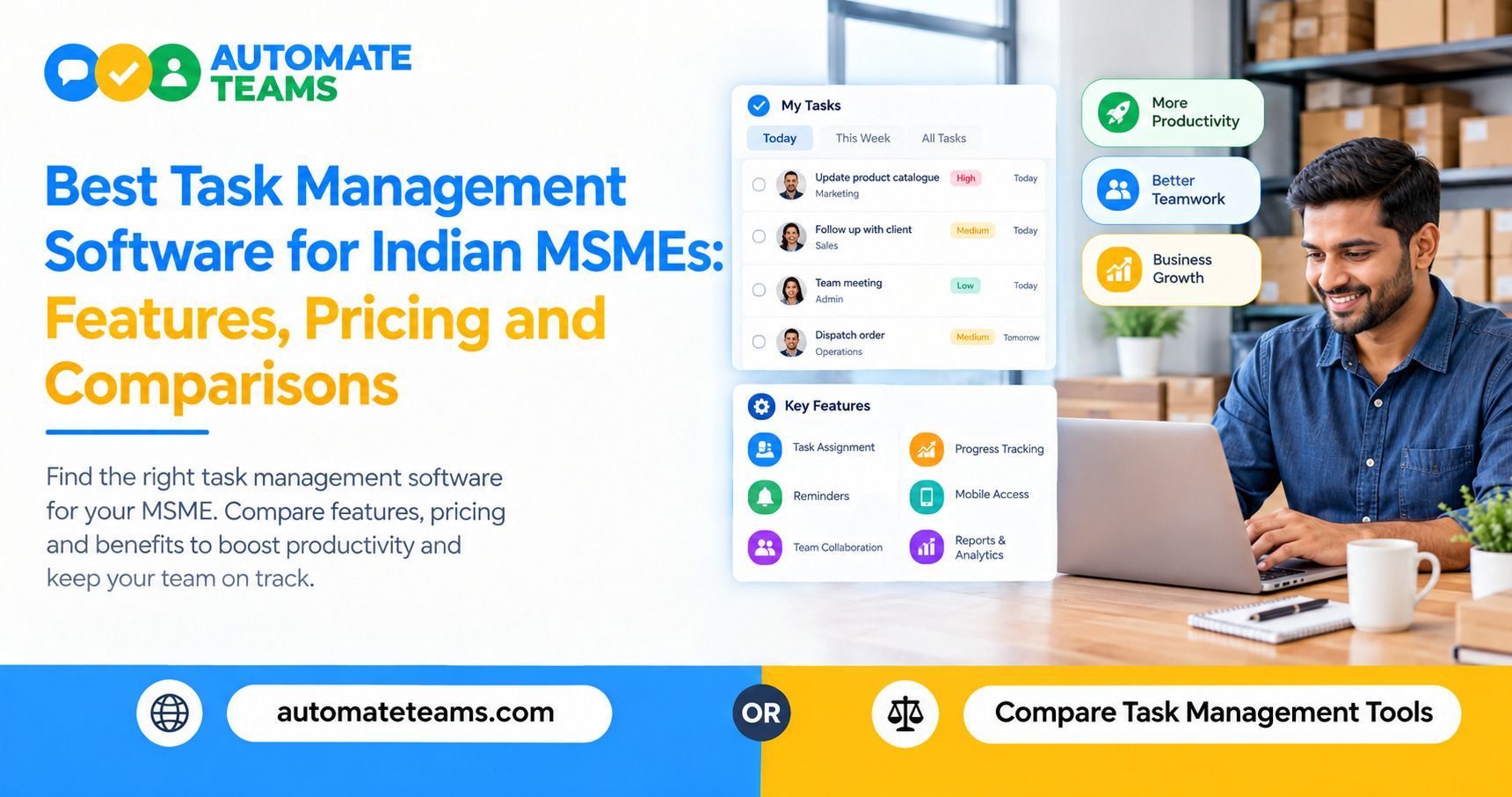
The best task management software for Indian MSMEs is one that combines tasks, team chat, attendance and payroll in a single workspace. The Automate Teams App does exactly that, with WhatsApp reminders, India payroll and unlimited workspace members on every plan. Simple board tools can work for small projects, but daily operations need more.
This guide explains what Indian MSMEs should look for in task management software. It covers must-have features, how pricing models differ, and how Automate Teams App compares with general-purpose tools such as Trello and Asana. By the end, you will know which type of tool fits your business.
What Indian MSMEs Need From Task Management Software
Most Indian MSMEs do not run on neat project plans. They run on daily follow-ups, such as dispatch deadlines, vendor approvals, stock counts and invoice collection.
That is why a task management app for small business must do more than list to-dos. It should show who owns each task, when it is due and what is overdue today.
It should also work for the whole team, from the shop floor to the owner's desk. If staff cannot use it easily on their phones, it will not be used at all.
- Core Features to Look For
Start with clear task ownership. Every task needs an owner, a deadline, a priority and a checklist. Sub-tasks help break larger jobs into steps your team can finish.
Next, look for recurring tasks and automatic reminders. Daily checks, approvals and follow-ups repeat every week, so the software should schedule them for you.
Finally, check for mobile access. A good tool runs on web, Android and iOS, so field staff can update work from anywhere. - Team Chat That Turns Into Tasks
Most work starts as a message, not a form. A manager types, "The Pune truck leaves at 4 PM. Need the invoice copy before that," and the work begins.
With the Automate Teams App, that message becomes a task inside the conversation. The task gets an owner and a due time, so nothing disappears in a chat scroll.
Team channels, direct messages and threads keep the discussion next to the work. Team chat is available from the Growth plan onward. Keep in mind that the Teams inbox is for internal conversations. Customer conversations on WhatsApp belong in Automate Chats, a separate product. - Reminders on WhatsApp, Not Just Email
In India, WhatsApp is where work happens. A reminder that arrives on WhatsApp gets noticed faster than one buried in an inbox.
Automate Teams sends automatic WhatsApp or email reminders for tasks and recurring work. Owners no longer need to chase people one by one.
The app also adds AI support for routine work. You can type a prompt or send a voice note, and it drafts the task, deadline and priority for you. - Attendance, Leave and Payroll in One Place
This is where most task management software stops. Trello and Asana are built for tasks and projects, so attendance and payroll usually mean separate tools.
Automate Teams App connects them. Staff clock in with face recognition inside a geo-fence, request leave and ask for regularization of missed punches. Managers approve everything from one screen.
Attendance, shifts, holidays and approved leave then feed straight into payroll. EPF, ESI and TDS are calculated automatically for India payroll. Leave, attendance and India payroll are available on the Scale and Enterprise plans. - Training and Onboarding Built In
Growing MSMEs hire constantly, and new joiners need to learn fast. Automate Teams App includes a built-in learning module for training.
You can assign courses, such as a safety induction, and see how many staff members have completed them. Training progress sits next to tasks and attendance on one employee record.
This matters in manufacturing, retail and healthcare, where compliance training is part of daily operations. Most task tools do not offer this at all. - Task Management Software Pricing: What to Compare
Pricing models differ more than most buyers expect. Many task management tools charge per user, so your bill rises every time you hire.
Automate Teams App takes a different approach. Every plan includes unlimited workspace members, so you do not pay per user. What changes between plans is the number of active projects, shared storage and how much of the HR, payroll and learning suite is included.
When you compare software, add up the full cost. Include the extra tools you would need for attendance, payroll and chat. A cheaper board tool can become the more expensive option once you add those. Check each vendor's current pricing page, since plans change often.
Automate Teams App vs Trello and Asana
Trello is a visual board tool built around lists and cards. It is easy to learn and works well for simple projects and content calendars.
Asana is a broader work management platform with project views and workflow features. It suits teams that plan complex projects with many dependencies.
Automate Teams App is built for daily operations in Indian MSMEs. It adds team chat, attendance, payroll with EPF, ESI and TDS, and training to task management. If you are searching for a Trello alternative or an Asana alternative that also handles people operations, it is a strong fit.
How to Choose the Right Tool for Your Business
Ask three questions before you decide.
- Do your tasks repeat every day? Does your team work across branches or in the field? Do you manage attendance and payroll manually today?
- If you answered yes to most of these, pick a connected workspace like Automate Teams. It gives owners a morning view of who is present, which tasks are due and which leave requests are pending.
- If you only need to track a single project, a lightweight board may be enough. Revisit your choice once your team passes ten or more people.
Frequently Asked Questions
- What is the best task management software for Indian MSMEs?
The best option is one that connects tasks, team chat, attendance and payroll. Automate Teams is built for this, with India payroll, WhatsApp reminders and unlimited workspace members. - Does Automate Teams charge per user?
No. Every plan includes unlimited workspace members. Plans differ by active projects, shared storage and how much of the HR, payroll and learning suite is included. - Can Automate Teams handle payroll in India?
Yes. It calculates EPF, ESI and TDS automatically, and attendance and approved leave feed into payroll. India payroll is included in the Scale and Enterprise plans. - Can my team use it on mobile?
Yes. It runs on web, Android and iOS, so office and field staff can update tasks, mark attendance and apply for leave. - Is there a free trial?
Yes. You can start a 7-day free trial or book a demo to see it with your own workflow.
Final Verdict
Task management software should reduce chasing, not add another tool to manage. For Indian MSMEs, the strongest choice is a workspace that connects tasks, conversations and people operations. The Automate Teams App brings these together with clear ownership, WhatsApp reminders, payroll-ready attendance and no per-user fees. Start your 7-day free trial or book a demo to see how it fits your team.