Automate Teams vs Trello: Which Is Better for Managing Daily Team Tasks?
Compare Automate Teams vs Trello for daily tasks, ownership, reminders, team chat, attendance, and payroll to find the right app for your team.
Automate Business Team ·
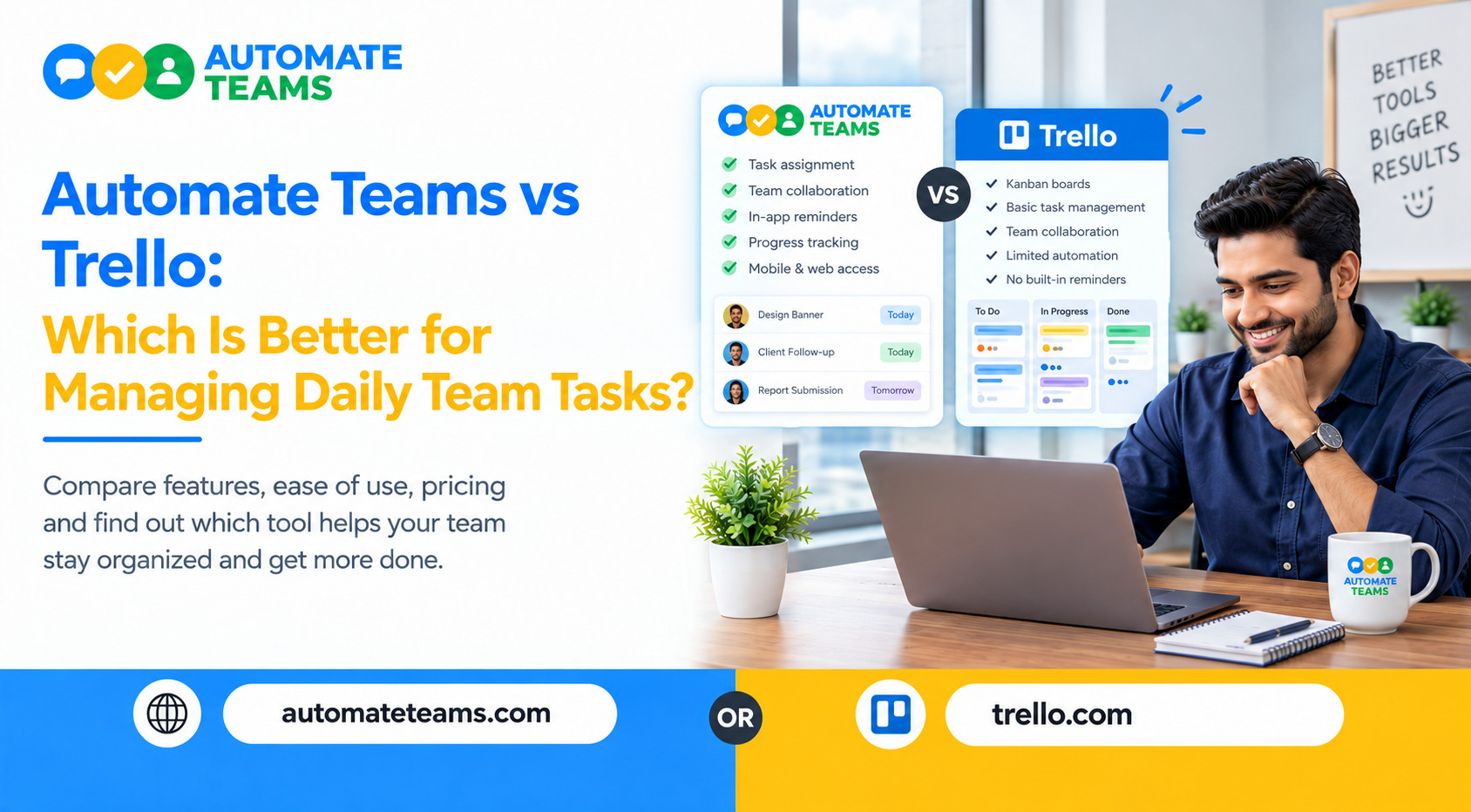
Automate Teams App is the better choice for managing daily team tasks if you want tasks, team chat, attendance, leave and payroll in one workspace. Trello is the better choice if you only need a simple visual board. The right pick depends on how much of your daily team work lives outside the task list.
The Automate Teams App turns a team conversation into a task with an owner, a deadline and a reminder. Trello organizes work as cards on boards. This guide compares both tools on task ownership, recurring work, communication, people operations and pricing, so you can choose with confidence.
Automate Teams App vs Trello: The Quick Answer
Choose Automate Teams App if your team runs on daily follow-ups, approvals, attendance and payroll. It keeps conversations, tasks and people data connected, so owners spend less time chasing updates.
Choose Trello if your work is project-based and you like dragging cards across columns. Trello is a flexible board tool, but it is mainly a task and project board. Attendance, leave and payroll usually need separate tools or add-ons.
For small and growing teams in India, that difference matters every single day.
What Is Automate Teams App?
Automate Teams App is a team management workspace built for Indian MSMEs. It brings task management, an internal inbox, leave and attendance, payroll and a built-in learning module together in one place.
The idea is simple: discuss the work, give it an owner, and keep it moving. Everything stays connected to one employee record, and roles and permissions control who can see and manage each part.
The app works on web, Android and iOS. That means office staff, field teams and owners can all update work from wherever they are.
What Is Trello and Where Does It Work Well?
Trello is a visual project tool built around boards, lists and cards. You create a card for each piece of work and move it from "To Do" to "Done" as it progresses.
It is easy to learn, which is why many small teams start with it. For content calendars, simple pipelines or personal to-do lists, a board view can be all you need. The gap appears when daily work grows beyond tasks. Once you also need to track who is present, approve leave or run salaries, you start stitching several tools together.
- Task Ownership and Daily Follow-Up
Daily team tasks succeed when everyone knows who owns what and by when. Automate Teams makes ownership the center of the experience.
You can assign tasks with deadlines, priorities, checklists and sub-tasks. Views for assigned work, approvals, delegated work and recurring work help owners see what needs attention today.
A live task dashboard shows how many tasks are overdue, due today and done this week. In Trello, you can add members, due dates and checklists to cards, but you review progress by scanning boards rather than a single owner view. - Recurring Tasks and Automatic Reminders
Most daily team tasks repeat. Think stock counts, invoice collection, vendor approvals and follow-ups on delayed dispatches.
Automate Teams lets you set recurring tasks and automatic reminders by WhatsApp or email. For Indian teams that live on WhatsApp, this is a practical advantage because reminders reach people where they already look.
The app also uses AI to help with routine work. You can describe a task by typing a prompt or sending a voice note, and it drafts the task, deadline and priority for you. - Team Chat That Turns Into Tasks
Most tasks begin as a message. Someone says, "The Pune truck leaves at 4 PM and we need the invoice copy before that."
In Automate Teams, you can turn that message into a task right inside the conversation. The task is assigned to a person with a due time, so nothing gets lost in a chat scroll.
Channels, direct messages and threads keep discussions next to the work. Team chat starts on the Growth plan. Note that the internal Teams inbox is separate from Automate Chats, which is the WhatsApp Business API inbox for customer conversations.
Trello offers comments on cards, which works for card-level discussion. It is not designed as a full internal chat inbox for the whole business. - Attendance, Leave and Payroll: The Big Difference
This is where Automate Teams App pulls clearly ahead for daily team management. Attendance, shifts, holidays and approved leave feed directly into payroll, so you do not rebuild records every month.
Staff can clock in with face recognition inside a geo-fence, request leave and ask for regularization of a missed punch. Managers approve or reject requests in one place.
Payroll then runs from the same data. EPF, ESI and TDS are calculated automatically for India payroll, and payslips stay connected to the employee record. Leave, attendance and India payroll are included in the Scale and Enterprise plans.
Trello does not include attendance tracking or payroll as core features. Teams that choose Trello typically add a separate HR and payroll tool, which means double entry and more places to check. - Training and Onboarding for New Joiners
Automate Teams App includes a built-in learning module. You can assign courses, such as a safety induction, and track how many staff members have completed them.
This helps new joiners get productive faster without chasing people for proof of completion. Task management and training progress sit in the same system.
Trello has no native training module. Onboarding checklists can be built as cards, but tracking course completion needs another tool. - Pricing and Team Size: Per-User Fees vs Unlimited Members
Pricing changes how a tool feels as your team grows. Every Automate Teams plan includes unlimited workspace members, so you do not pay per user.
What changes between plans is the number of active projects, shared storage and how much of the HR, payroll and learning suite is included. You can start with a 7-day free trial and compare plans on the Teams pricing page.
Trello's pricing is generally structured per user on paid plans, and features vary by plan. Always check Trello's current pricing page before you compare, since plans and limits can change.
Which One Should You Choose?
Pick Automate Teams App if you manage 10 to 100 employees across offices, branches or field teams. It also fits you best if you want one system for tasks, chat, attendance, leave, payroll and training.
It is especially useful for owners who want a morning view of who is present, what is due today and which leave requests are pending. Industries such as manufacturing, retail, finance, healthcare and IT services benefit from this connected view.
Pick Trello if you only need a lightweight visual board for a project or a creative workflow. If you do not manage attendance or payroll, a simple board may be enough.
Frequently Asked Questions
- Is Automate Teams App a good Trello alternative?
Yes. Automate Teams App is a strong Trello alternative for teams that need task management plus team chat, attendance, leave and payroll in one workspace. - Which is better for daily team tasks, Automate Teams App or Trello?
Automate Teams App is better for daily operational tasks because it supports recurring tasks, WhatsApp and email reminders, approvals and task-from-chat. Trello is better for simple board-style project tracking. - Does Automate Teams App charge per user?
No. Every plan includes unlimited workspace members. Plans differ by active projects, storage and the amount of HR, payroll and learning features. - Can employees use Automate Teams App on mobile?
Yes. It is available on web, Android and iOS, so office and field staff can update tasks, mark attendance and apply for leave. - Can attendance data be used for payroll in Automate Teams App?
Yes. Attendance, shifts, holidays and approved leave feed into payroll, so records do not need to be rebuilt each month.
Final Verdict
Trello is a friendly board for simple projects. Automate Teams App is a complete workspace for managing daily team tasks and the people behind them. If your team needs clear ownership, recurring reminders, internal chat and payroll-ready attendance, the Automate Teams App gives you more in one place. Start with the 7-day free trial or book a demo to see how it fits your team's workflow.